
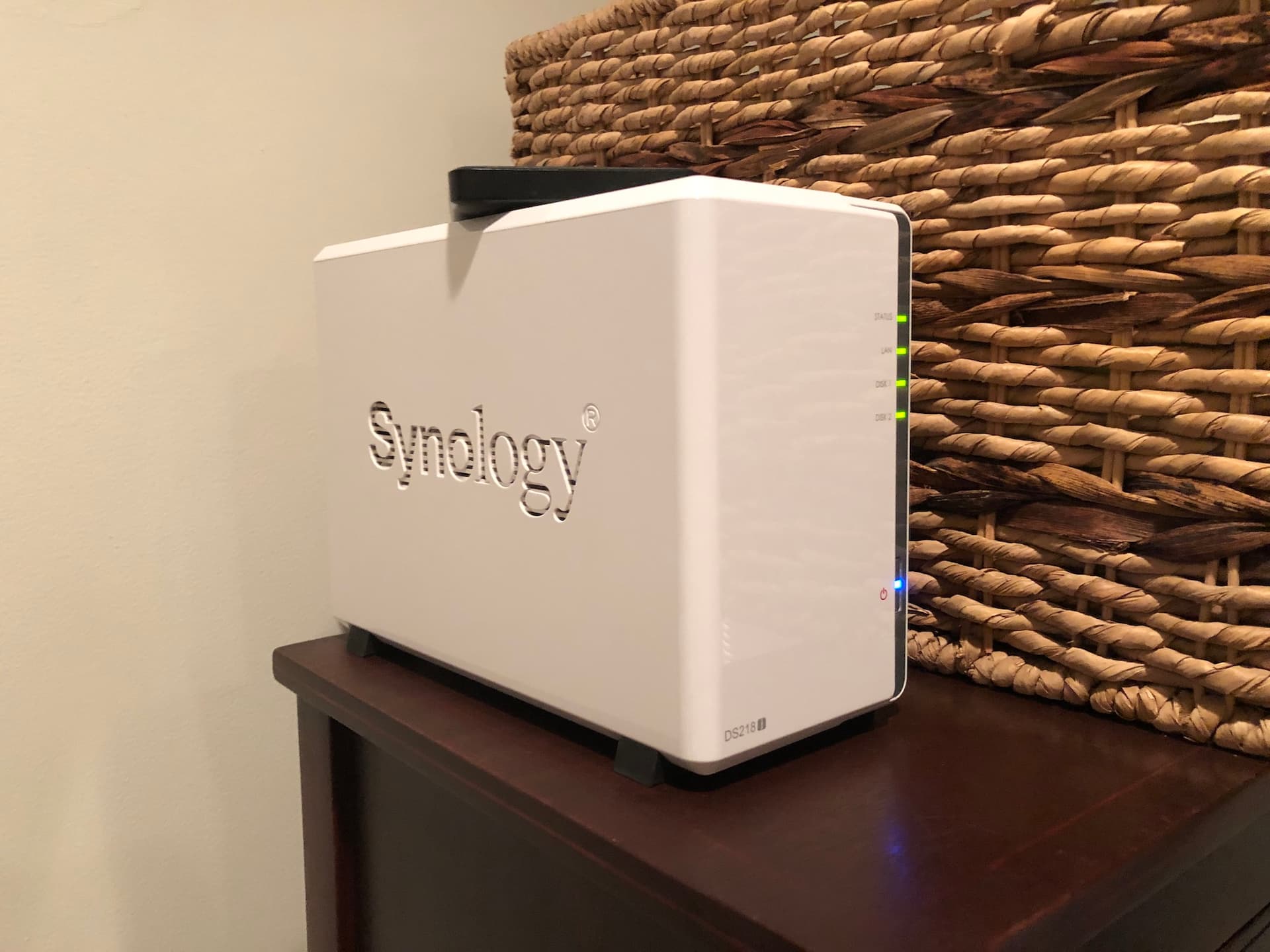
The Synology Server
Up until then, I stored all my files on external hard drives. If I wanted to access something on another computer, I would have to close my work on one, unplug the hard drive, plug it into the other computer, and then resume work. This was a nightmare, and I soon realized that a NAS would be able to solve this problem for me.
So I went to work researching. After days of research, I came across a YouTube video from Lon.TV reviewing the WD My Cloud NAS product. I thought it was pretty cool and also not too expensive so I went ahead and bought one.
I initially liked it a lot, and found it quite useful. Yet, I soon began to come up with an idea: wouldn't it be nice to use this server for my robotics team to store our CAD files? Given that we couldn't work on them from home, I thought this was a brilliant idea.
So I loaded up the WD My Cloud app on the school computers to allow connection to my device, aannndddd...I needed an administrator to install.
I realized that wasn't going to work. After contacting the head of technology for the district to grant me permission and being denied, I looked for another way.
I remembered that in one of Lon.TV's videos he compared the WD My Cloud to something called a Synology NAS. He kept saying that the Synology was his favorite and that it had better features. So I went back to his channel to look for Synology videos, and sure enough, there were plenty.
Upon watching one of them, I discovered a feature called WebDAV. After some research, I realized that you could connect to this directly within the Windows file explorer and would be perfect for use at school since it would mean I wouldn't need to get admin permissions to install something.
But before I jumped ship from WD to Synology, I wanted to test the WebDAV capability out first. I went ahead and bought myself a little Apple AirPort Express wireless router and hooked it up to an old iMac that I configured macOS Server on (thanks to Todd Olthoff's videos on YouTube for helping me out with this). After days of getting that to work, I went to school for the moment of truth…and WebDAV worked!
So immediately I transferred everything on my WD to an external hard drive and set out to return it. Luckily I had bought it on Amazon during the period where they were giving extended return windows due to the holidays, so I just barely made it within 3 months by the end of February. After the return was successful, I bought my Synology DS 218j.
Setting it up wasn't too bad, and when I finally saw all the features it had, I realized why Lon had liked this so much. You could just do so much with it, from hosting a website to even hosting a chat room.
But here's where the hard part came — setting it up. This took weeks, and in those weeks I spent hours each day learning about domain names, SSL, HTTP protocols, DNS records, DDNS, port forwarding, IP Addresses, and so much more. But finally, in the end, I was able to connect server.reidf.net:8080 to WebDAV and get it to work on the school computers. The CAD server was finally working, and it was instantly a huge help for our team. We still use it to this day! I also began to use it for other things like hosting some websites as well as general NAS storage.
Overall, this whole experience was very challenging at times but also super fun, and I learned a lot just from doing it. There were countless problems I ran into along the way, but ultimately, it works great. It's been about six years since I did this from when I'm editing this now (1/21/24), and I couldn't be happier with it. I've also helped two of my friends set up Synologys of their very own!